"We need a website" can mean very different things. A clinic that wants appointments, a shop that wants online orders and a consultant who wants enquiries all need different kinds of sites. Choosing the right type up front saves money, time and a painful rebuild later.
Start with one question: what should the website do for your business?
The main types of websites
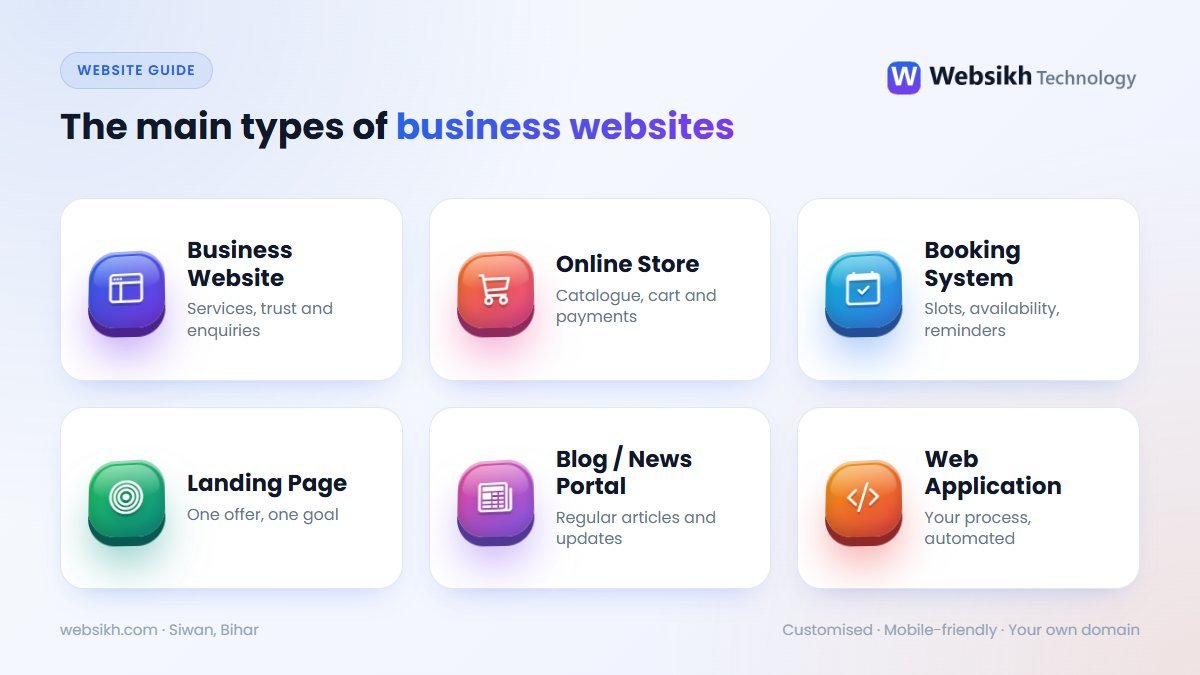
1. Business website
Pages for your services, about, gallery and contact, with WhatsApp and enquiry buttons. The right choice for most service businesses — doctors, coaching centres, contractors, consultants. Read why every business needs one.
2. Online store (e-commerce)
A product catalogue with cart, checkout, online payment and order management. Ideal if you sell physical products. See billing, inventory and online store software for shops.
3. Booking system
Customers pick a date, slot or package and book online, with no double bookings. Built for salons, gyms, banquet halls, hotels, clinics and rentals — see how online booking systems work.
4. Landing page
A single focused page for one offer or campaign — perfect with Google or Facebook ads, where every visitor should take one action.
5. Blog or news portal
Regularly updated articles with categories and search. Great for publishers, and for businesses that want to attract visitors through useful content.
6. Web application
Software that runs in the browser — admissions, billing, records, reports — with logins for staff and customers. Browse our ready software solutions or compare ready-made and custom software.
Quick comparison
| Type | Best for | Main goal |
|---|---|---|
| Business website | Service businesses, professionals | Trust and enquiries |
| Online store | Shops and product sellers | Online sales |
| Booking system | Salons, gyms, halls, hotels, clinics | Confirmed bookings |
| Landing page | Ad campaigns, single offers | One specific action |
| Blog / news portal | Publishers, content-led businesses | Readers and traffic |
| Web application | Institutes, offices, operators | Automating daily work |
Five questions to help you decide
- Do customers need to buy, book or just contact you?
- Will staff or customers need their own login?
- How often will you update content, products or prices?
- Do you need to accept online payments?
- Which paper work — registers, slips, receipts — would you like to stop doing by hand?
Tip: choose the simplest type that achieves your main goal. You can always add features later — a well-built site grows with you.
Still not sure? Tell us about your business and get a free quote with a clear recommendation.
Frequently asked questions
Can I start with a simple website and upgrade later?
Yes, and it is often the smartest route. Start with a business website, then add a store, booking or management features when you are ready — without starting over.
Is an online store only for big brands?
No. Local shops use online stores so regular customers can order from home. You can start with a small catalogue of your best-selling products.
What is the difference between a website and a web application?
A website mainly presents information and collects enquiries. A web application does work — bookings, billing, records, reports — with logins for staff or customers.
How do I decide on a budget?
Decide first what the website must achieve — enquiries, sales or bookings — and choose the simplest type that does it well. We can suggest the most cost-effective option for your goal.


